Pepakura might be a bit confusing at first. But it’s a very useful program if you want to go beyond the standard PDF templates. Pepakura works with .pdo files. You get a 3D overview of your project, and you can adjust things to your measurements.
Let’s start at the beginning.
Pepakura is a free program. And that’s generally more than enough. If you want to do more with the program later, such as adjusting dimensions or modifying a part. In that case, it might be a good idea to buy the license key at that time.
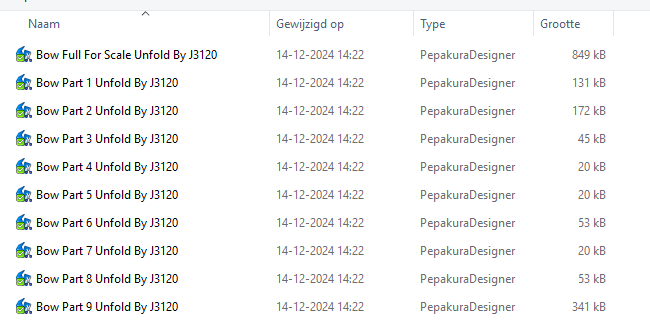
After you’ve purchased a template for your costume, you can open the files in Pepakura. You generally have multiple files, such as the torso, helmet, legs, etc.
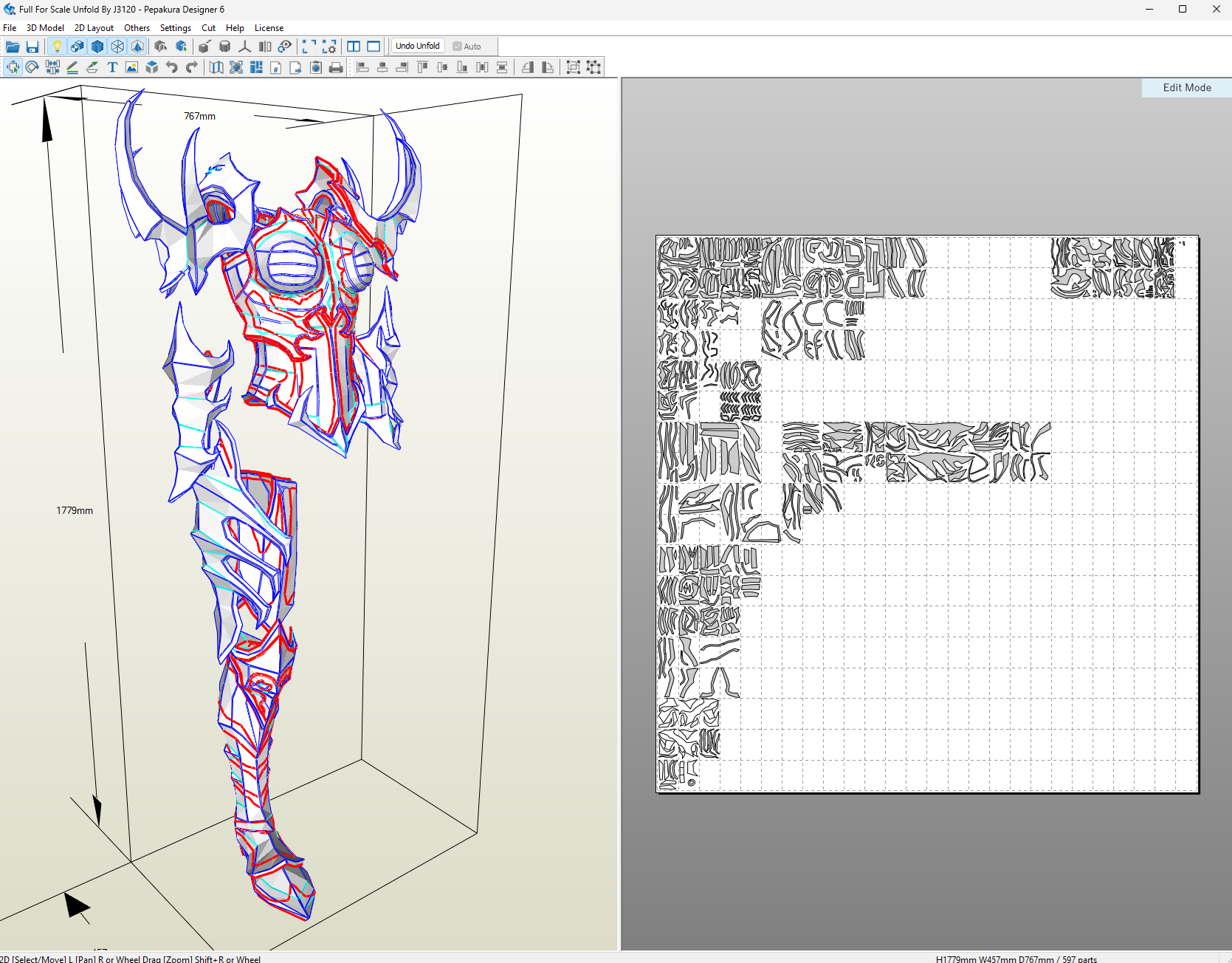
You often also have a complete overview of your project, so you can see the final result and where certain parts should go.
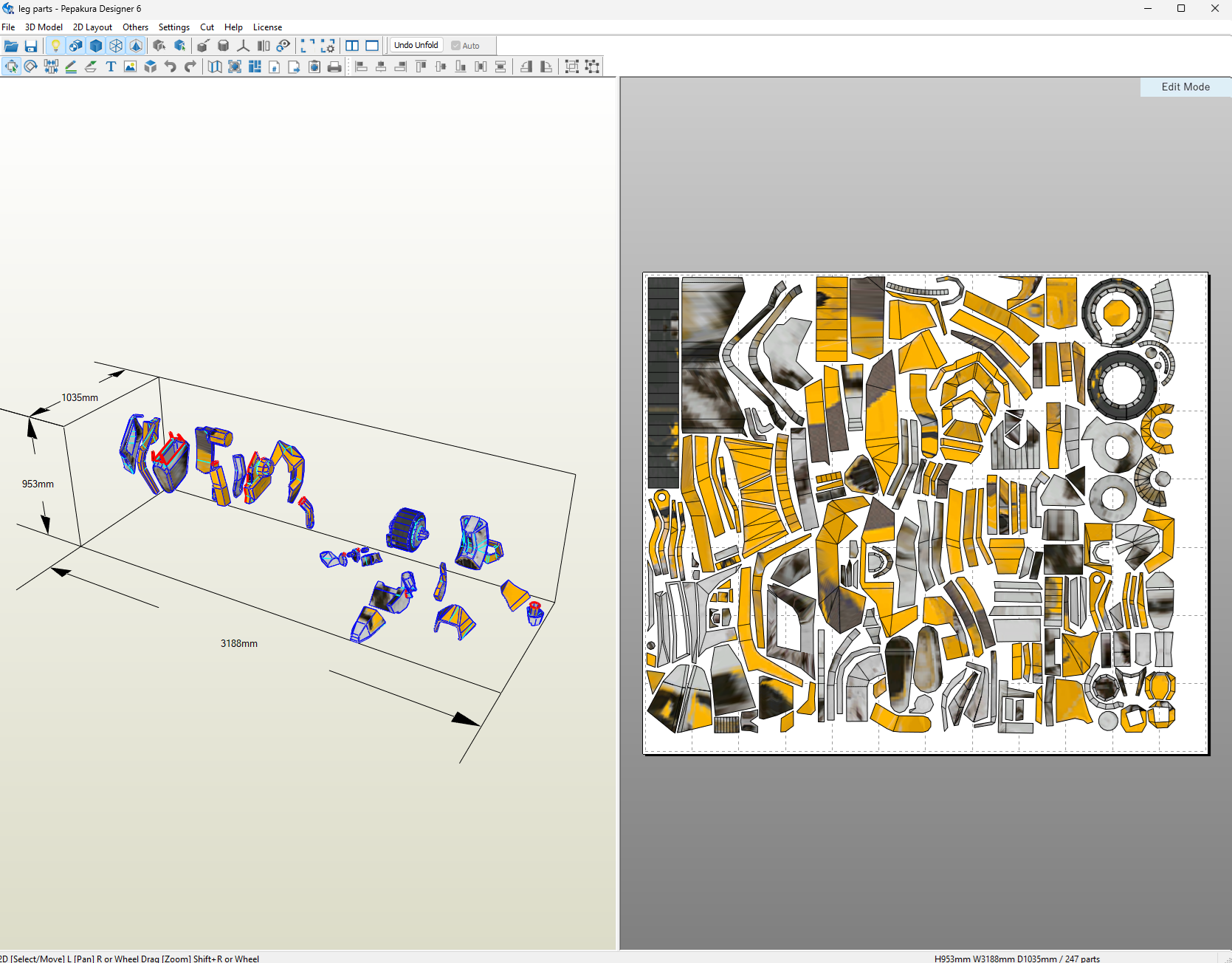
You open a part of your project, for example, the legs. You’ll then see how it will look on the left, and the expanded parts on the right. After you’ve printed this out on paper, cut it out, and then cut it out of your foam.
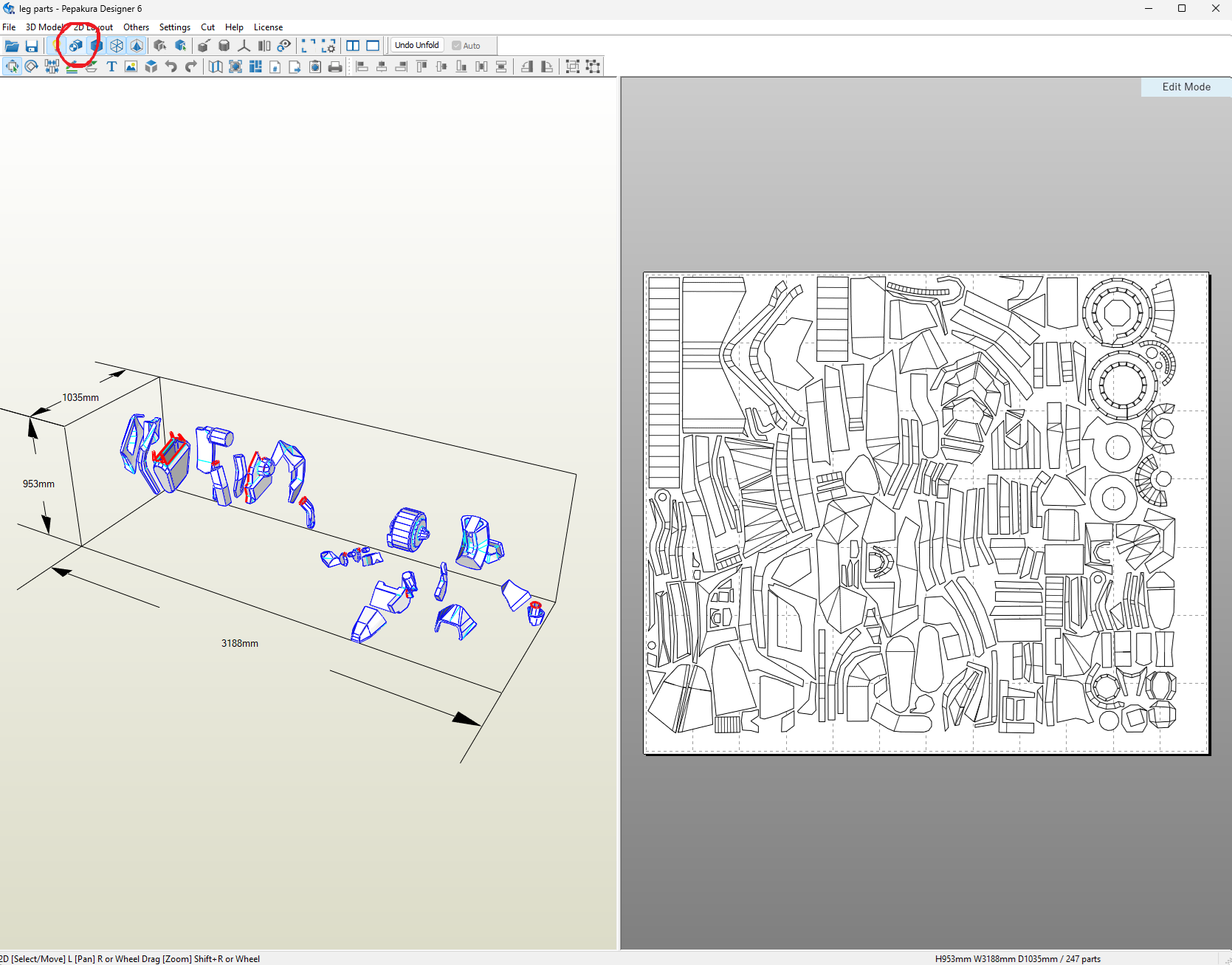
The colors can sometimes make it confusing to see which part goes where. You can find that by clicking “Set materials to face” in the top left corner. It’s the smaller square. This will give you a clearer overview of your project.
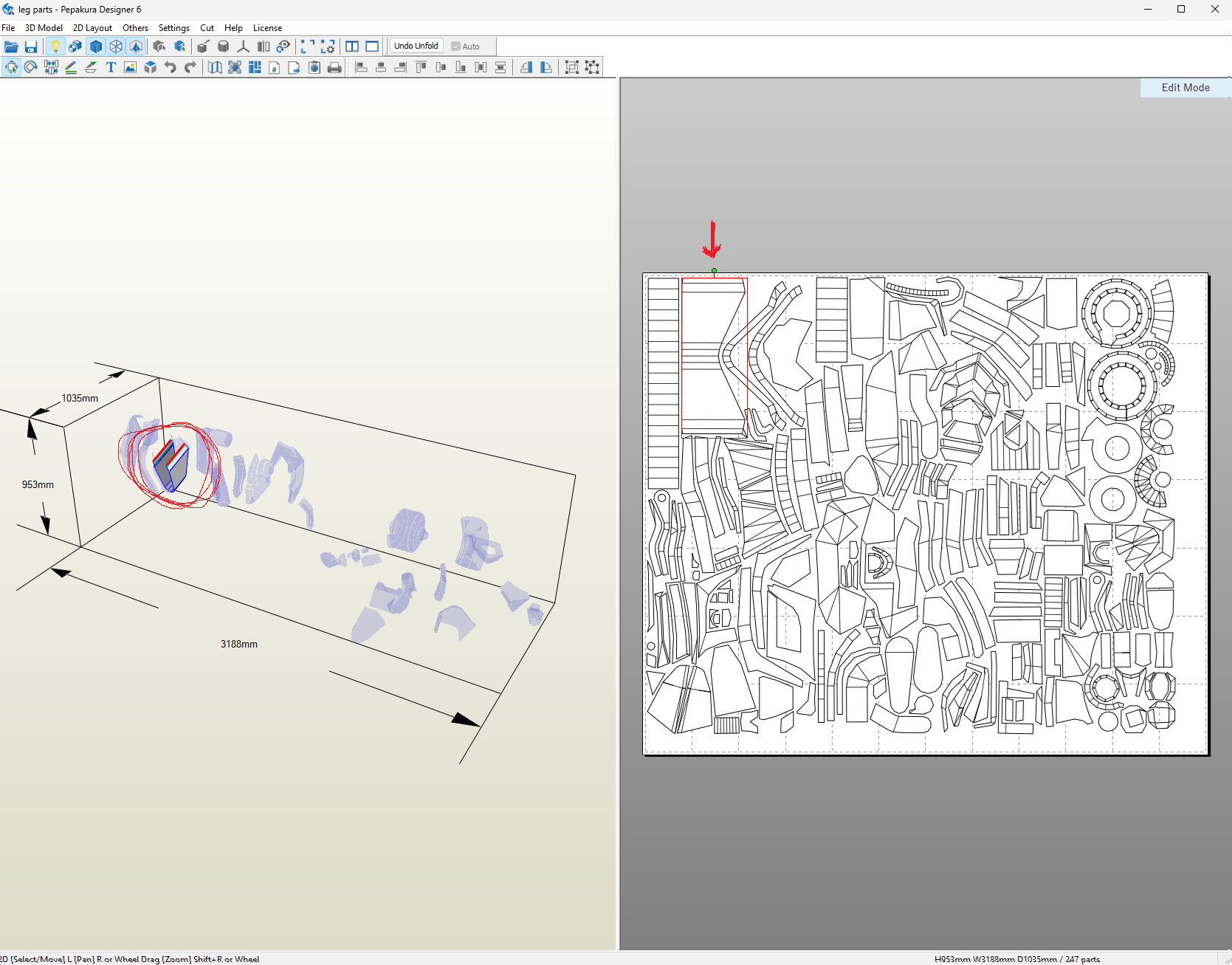
If you click on an element on the right side of your screen, you’ll see on the left which other element it should be pasted onto and how it should look.
Again, it can be quite tricky at first. But it’s actually quite easy once you get the hang of the basics. Below is a very good explanation of the program that I found on YouTube van Heroes Workshop